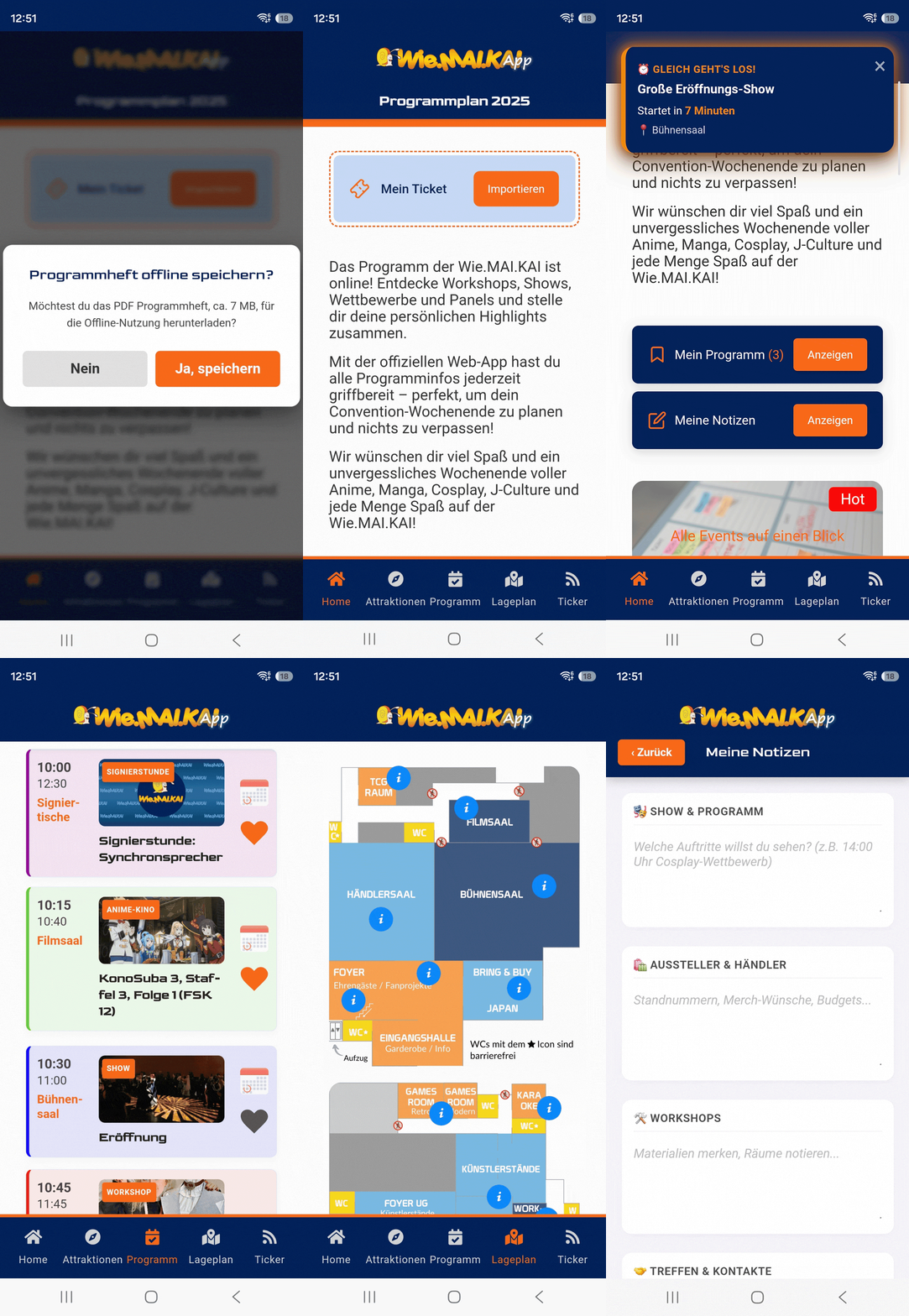
The Wie.MAI.KAI app brings together everything visitors need at the convention: programme, floor plan, exhibitors, ticket and current announcements. It builds on the association's WordPress website and shows its content in a dedicated app window. Because a packed hall often has no signal, it keeps working offline once it has been loaded. I designed the app and developed it with AI assistance; version 1.2 is currently in use.
Get the app: Google Play · Web app
Features
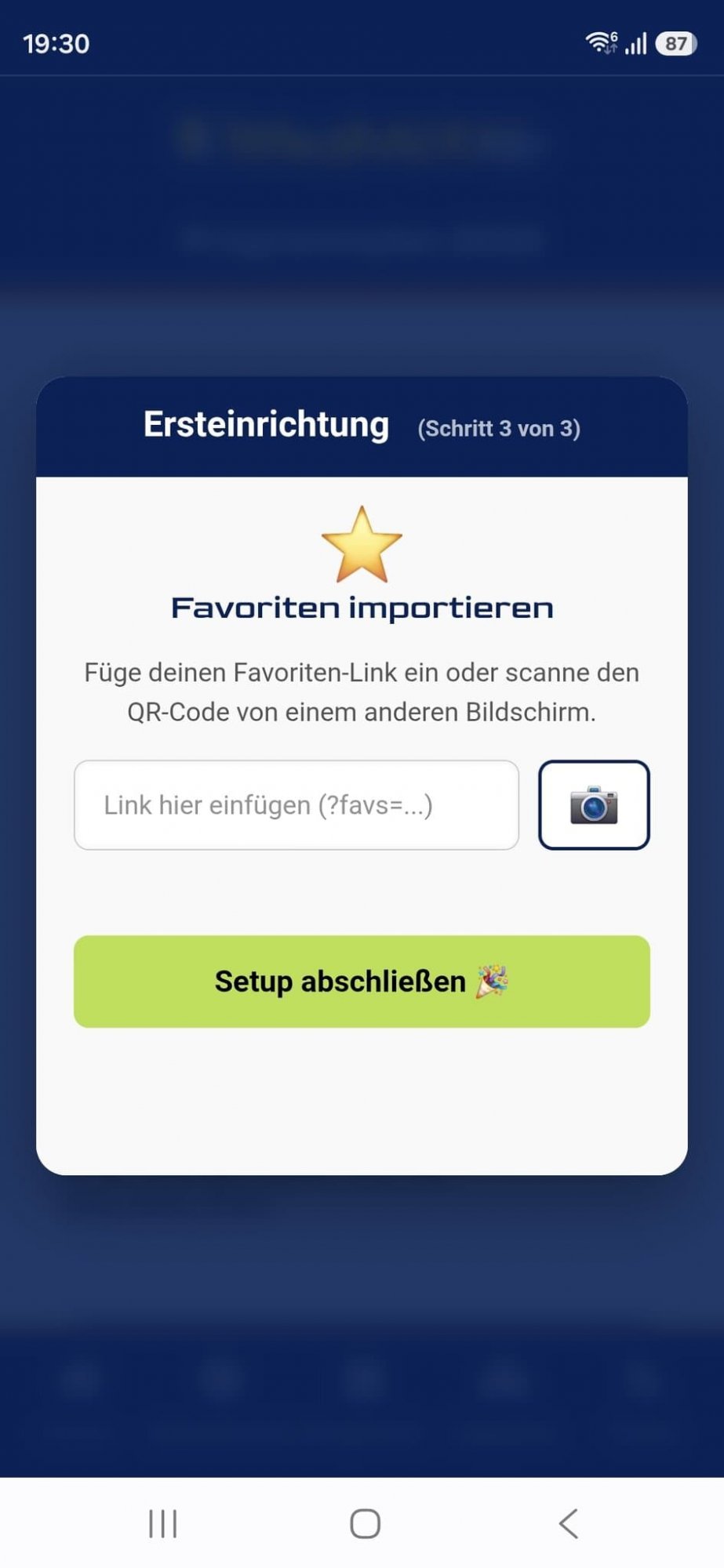
- Programme and favourites: what is on now and what comes next, plus a timetable view. Programme items can be saved with a heart, and a reminder arrives 15 minutes before they start. Favourites move from a computer to the phone via link or QR code.
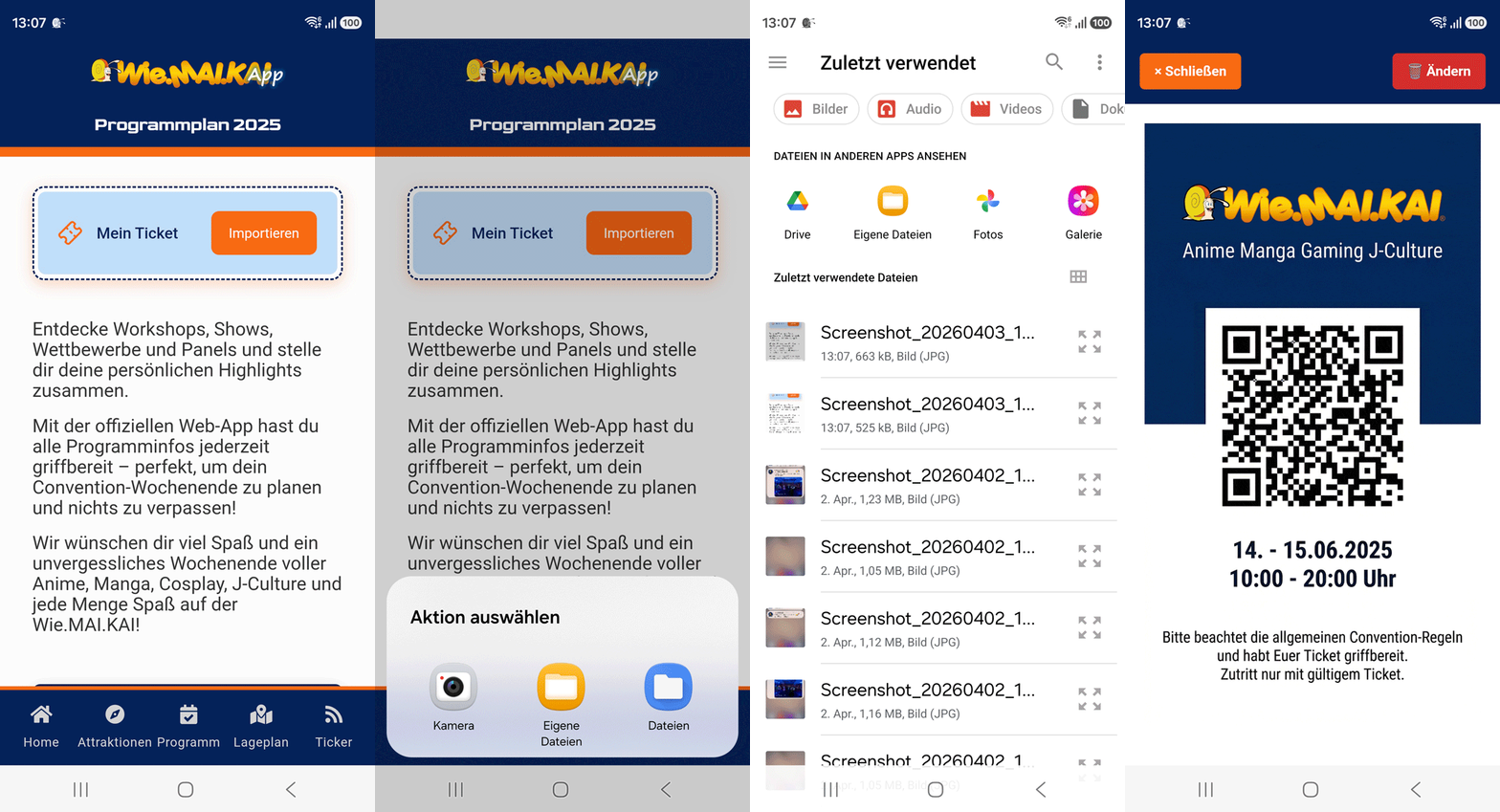
- Ticket wallet: tickets are loaded once, via order number, QR scan, image or PDF. They are stored encrypted on the device only and shown full screen with an enlarged QR code at the entrance, even without a connection. Several tickets from one order fit on one device.
- Live news and reminders: announcements from the organising team and programme changes arrive as push notifications on the lock screen and as a banner in the app.
- Floor plan and exhibitor directory: an interactive room plan that makes vendors and artists easy to find.
- Quest: a scavenger hunt across the venue. Guests scan hidden QR codes, collect digital stamps and redeem their prize at the info desk.
- Notes: a digital notebook with categories such as programme, exhibitors or meeting points, saved automatically.
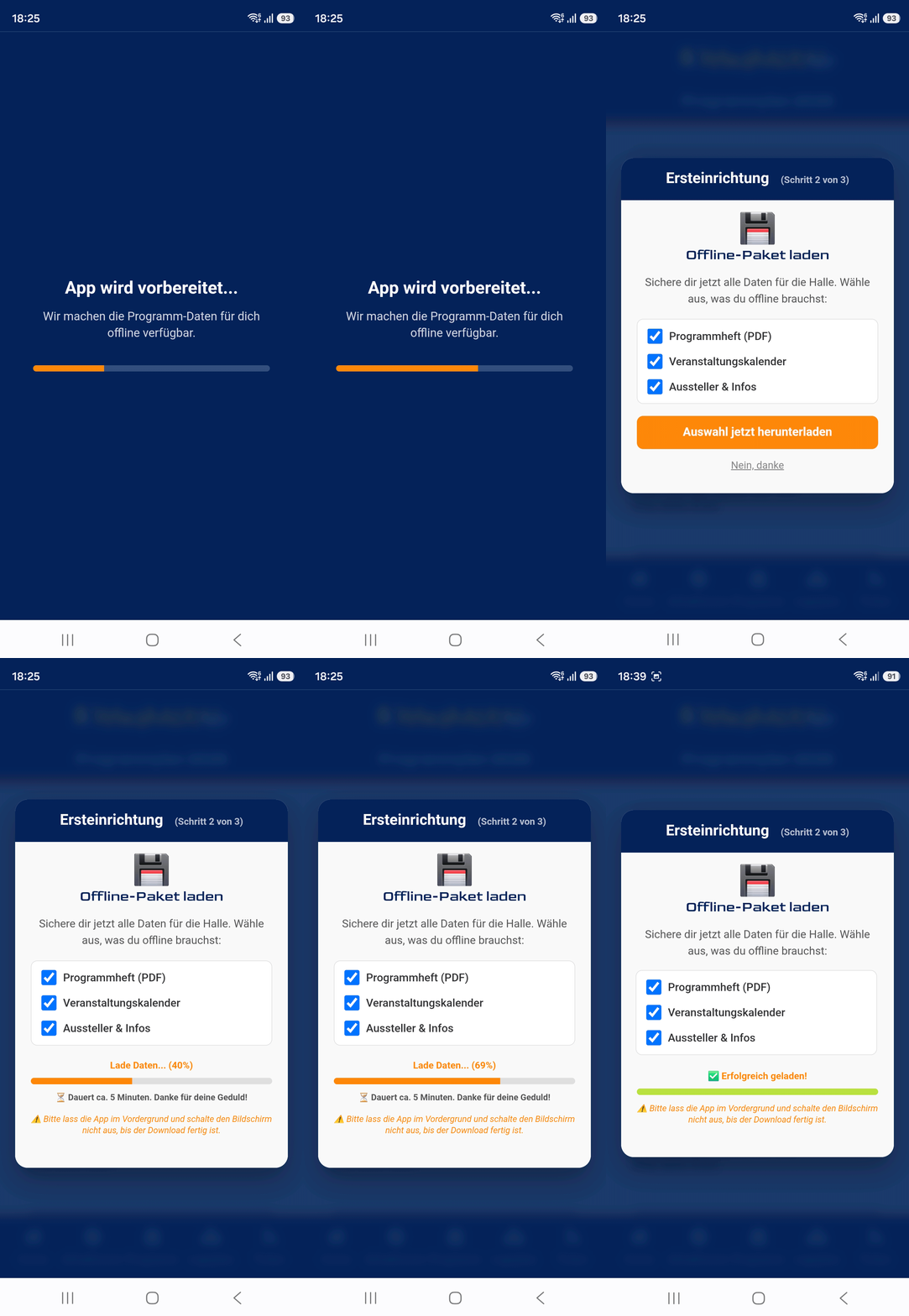
- Programme booklet: the complete booklet as a PDF, saved for offline use if desired.
- Setup assistant: on first launch it guides users through notifications, the offline download and importing favourites.
Web app and Android
- Progressive web app (PWA): the app runs in the browser and can be added to the home screen without an app store, on the iPhone via Safari with “Add to Home Screen”. A service worker keeps the programme, room plans and information available so that everything works without a connection.
- Android app on Google Play: the same app as an installable package, linked to the website. The address wiemaikai.de/app sends every device to the right version.
- Home screen widgets: on Android, four widgets show the programme, the ticket, news and a countdown to the convention, even offline.
Admin backend
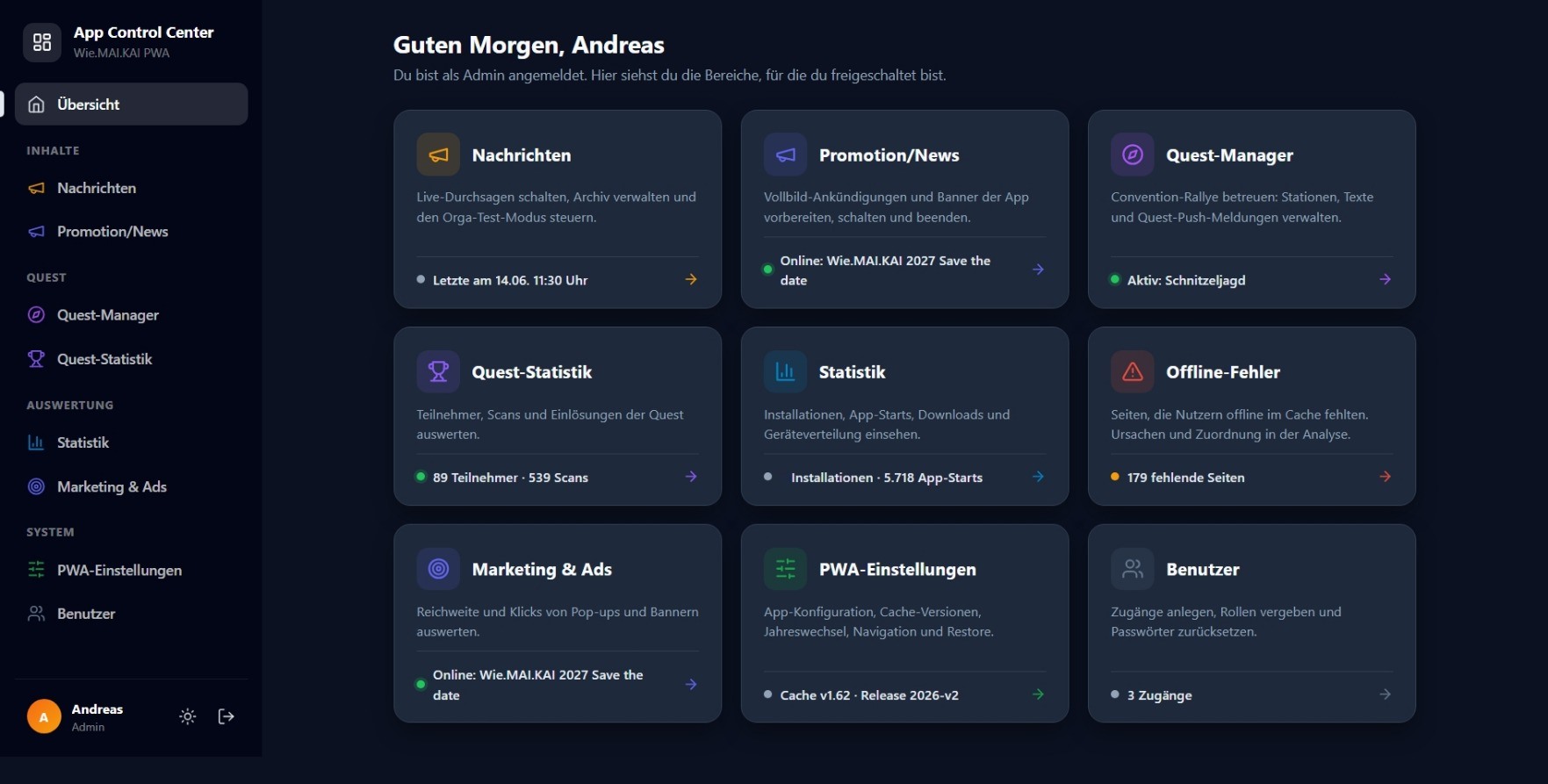
The organising team has its own backend outside the WordPress menu. A central App Control Center brings all tools together, and each person only sees the areas their role allows.
- App settings: seven areas for the programme booklet, the annual rollover, ticket import, promotional and notice banners, navigation, app configuration and restore. A backup is made automatically before every change, and the last five versions can be restored.
- Annual rollover: switching to the next convention happens in one place, with a checklist.
- Announcements: send or schedule messages to all devices, with a test mode and an archive.
- Promotion & Hot News: Prepare, configure, and publish campaigns directly in the app. Full-screen announcements and banners can be created with custom content, scheduling, and other settings, and published automatically at specific times. This allows important announcements, promotions, sponsor messages, or last-minute updates to be displayed prominently within the app.
- Campaign Analytics: A range of metrics is available for promotions and in-app content. The backend provides insights into views and interactions, making it possible to track and evaluate the reach and effectiveness of banners and full-screen announcements.
- Quest manager: create stations, print QR sheets, manage and evaluate prizes.
- Ticket import: connection to the ticketing system pretix, with tickets going straight into the app's ticket wallet.
- Statistics: installations, app launches, notifications or device distribution collected sparingly.
- WordPress bridge: a custom plugin with fourteen building blocks (shortcodes) that let pages show different content in the app window than in the browser.
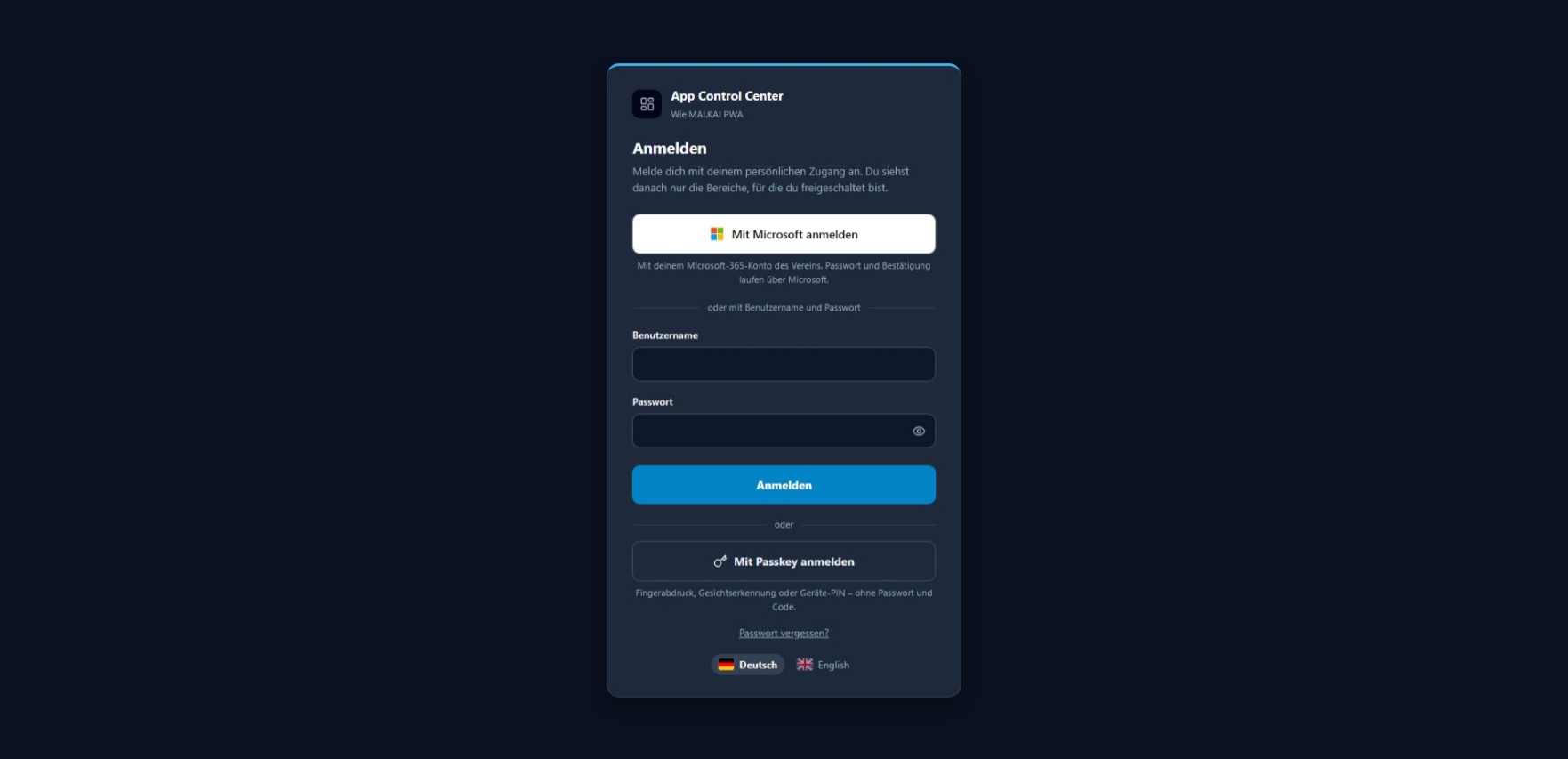
- Accounts and security: personal accounts with roles, two-factor sign-in and passkeys.
- Updates: new versions reach all devices automatically via a version number.
An admin manual of around 180 slides describes setup, the annual routine and every tool step by step.
 Detailed guide for visitors (German) wiemaikai.de